
Ori and the Will of the Wisps interactive map: Route Guide
Explore Niwen with map filters for collectibles, Spirit Wells, Lupo, and more, plus practical tips for planning your routes and return visits.
Jump to

Open the Map With a Clear Goal
An Ori and the Will of the Wisps interactive map can help you untangle a confusing stretch of Niwen and locate the collectible you want to investigate next. That matters because spotting an item and finding a usable approach to it are separate problems. Use the Ori and the Will of the Wisps interactive map alongside your current abilities and in-game surroundings to make each detour more purposeful.
The Niwen Interactive Map on Ailothaen’s website lists filters for collectibles, structures, Lupo, and Wisps. Its menu also includes custom markers, route creation, and location sharing. Those controls give you several ways to organize exploration without keeping every category visible.
This guide draws on that map’s listed controls and a player video exploring early abilities. Gameplay observations from the video are labeled player experience. The map is a separate web resource; its listed features should not be confused with the game’s own map controls.
For an authoritative overview of the game itself, visit the Ori and the Will of the Wisps Steam store page.
| Your immediate question | Relevant map category or control | Suggested use |
|---|---|---|
| Where is the collectible I want to investigate? | Individual collectible filters | Display that item category |
| Where is a nearby Spirit Well? | Spirit Wells | Compare its position with your route |
| Where can I look for the mapmaker? | Lupo | Find a location to investigate |
| How can I outline an exploration loop? | Add a route | Sketch your intended path |
| How can I point out a location? | Share location | Use the map’s sharing control |
Start with a specific question. “Where is the next Life Cell marker near my current route?” is easier to act on than “What have I missed across the whole map?”
Use Collectible Filters to Reduce Clutter
The Ori and the Will of the Wisps interactive map separates collectibles into several named categories. This is useful because searching for Spirit Shards calls for a different focus than looking for Gorlek Ore or Keystones.
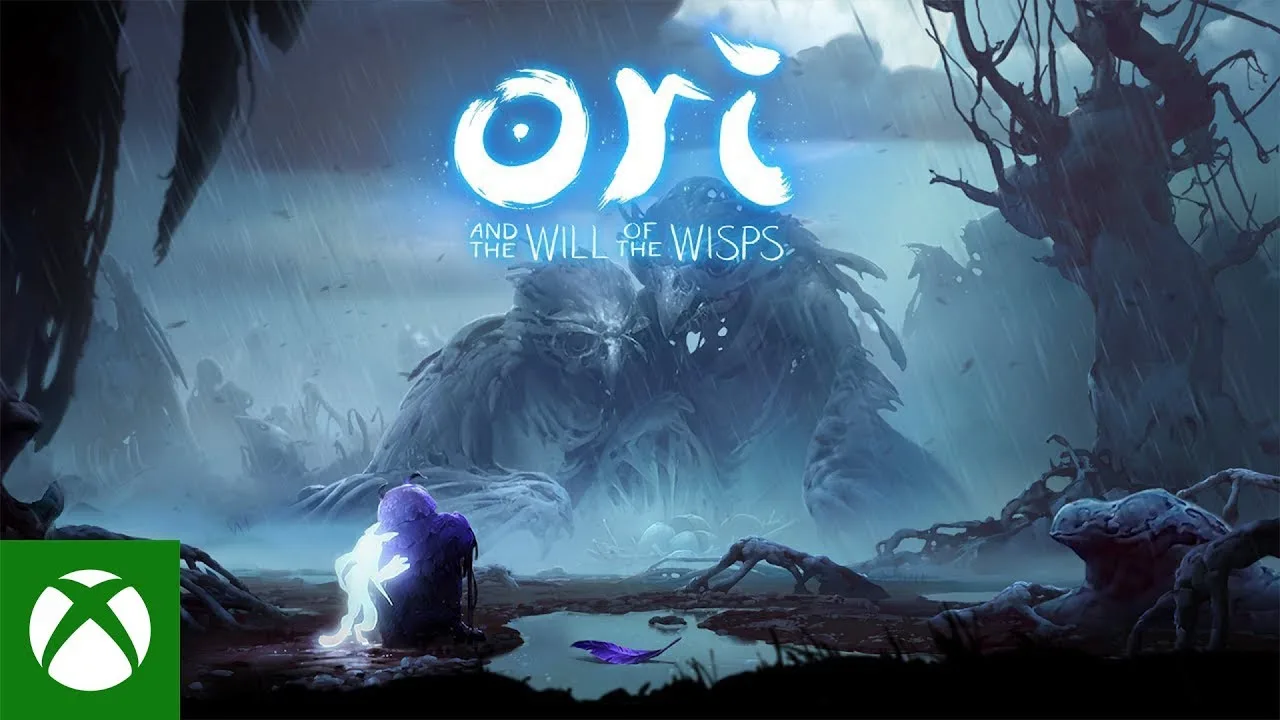 Image: YouTube / XBOX
A good approach is to choose one category before examining a region. You can then compare its markers with the paths you recognize in-game. If you need another category to understand a detour, add it deliberately.
The supplied map menu establishes that these categories exist. It does not establish an exact item count, complete coverage, or the requirements for reaching every marker.
| Collectible filter | What the map menu identifies | An editorial way to use it |
|---|---|---|
| Spirit Light | Spirit Light locations | Compare marked locations along your intended path |
| Energy Cells | Energy Cell locations | Investigate nearby markers during exploration |
| Life Cells | Life Cell locations | Keep a focused view while searching for life-related pickups |
| Gorlek Ore | Gorlek Ore locations | Plan an ore-focused sweep through a region |
| Skills | Skill locations | Compare a marked location with accessible terrain |
| Spirit Shards | Spirit Shard locations | Separate shard searches from other collectibles |
| Keystones | Keystone locations | Investigate markers around the area you are exploring |
| Seeds | Seed locations | Give seeds their own search pass |
| Other | Additional collectible markers | Check this category separately when reviewing an area |
The distinction between Skills and Spirit Shards deserves attention.
In the supplied player experience, the creator obtains double jump from a tree and uses it to revisit previously unreachable terrain. The same video shows the Magnet and Sticky Spirit Shards being equipped through the menu. That is a useful example of why two nearby collectible markers may represent different kinds of rewards.
The web map lists Life Cells as a collectible category. A good approach is to use that label to focus your search, then check the actual pickup in-game before drawing conclusions about its effect.
For the Ori and the Will of the Wisps interactive map, a filter tells you what kind of location to investigate. The game provides the immediate context: what the pickup is, how the surrounding terrain works, and whether your current abilities let you reach it.
Plan Routes Around What You Can Actually Reach
A marker can identify a destination without explaining the approach. In a layered platforming environment, an item that looks close on a map may still require a different entrance or a movement ability you do not yet have.
 Image: Nintendo
The supplied player experience illustrates this clearly. Before obtaining double jump, the creator encounters jumps they cannot complete. After acquiring it, they return to earlier terrain and reach additional paths.
That supports a practical tip: when a route appears blocked, record the obstacle before choosing another destination. A useful note describes what stopped you, such as a high ledge or a closed passage. It does not need to predict an unlock requirement that you have not confirmed.
The Ori and the Will of the Wisps interactive map includes Add a marker and Add a route controls. A good approach is to use those tools to organize questions and intended paths, while checking the actual approach in-game.
| Situation you encounter | Suggested map action | What to check in-game |
|---|---|---|
| A collectible lies above your current path | Add a custom marker near it | Whether you can reach the ledge |
| A passage appears blocked | Mark the point where progress stops | What the visible obstacle is |
| Several markers sit near a familiar route | Sketch a route through that area | Whether the connecting passages are accessible |
| You acquire a movement ability | Review previously marked obstacles | Whether the new ability changes the approach |
| You want to explain a location | Use Share location | Whether the shared position identifies the intended spot |
Treat a drawn route as a plan to test. The supplied material lists route creation, but it does not describe automatic navigation or guarantee that a route accounts for ability requirements.
An effective exploration loop can be modest: start from a familiar location, investigate a nearby marker, and reassess after seeing the terrain. If that path is blocked, use what you learned to improve the next attempt.
This keeps map reading connected to exploration. It also makes return visits more intentional: you are checking a known obstacle rather than trying to remember why you abandoned an entire area.
Find Lupo and Keep the Two Maps in Context
The web map includes a dedicated Lupo filter. This makes him a useful reference point when comparing an external map with the information available inside the game.
 Image: Steam / Moon Studios GmbH
The supplied map menu lists Lupo under its Various grouping. The web resource separately places Lupo in its menu alongside Wisps and custom markers.
A good approach is to consult the Lupo category when looking for the mapmaker, then check the encounter itself in-game.
| Information source | What the supplied material shows | How to use that information |
|---|---|---|
| The player video’s title | Names Lupo as a mapmaker | Identify the topic named in the title |
| The web map’s structure filters | Spirit Wells, Spirit Gates, Spirit Trials, and Shrines | Compare marked landmarks with your surroundings |
| The web map’s Lupo filter | A category for Lupo locations | Find a mapmaker location to investigate |
| The web map’s collectible filters | Separate categories for items | Focus an external search on a particular reward |
| The web map’s route and marker controls | Tools for adding routes and markers | Organize your exploration notes |
A good approach is to keep the game’s map and the external map available for different parts of the same question. Use the game to understand your immediate surroundings, then consult the external filters when looking for a particular location.
The web map separates Lupo, Wisps, and collectible categories in its menu. A good approach is to choose the category that matches your destination before outlining a detour. If you are looking for the mapmaker, begin with Lupo rather than using an unrelated collectible marker as your reference point.
The Ori and the Will of the Wisps interactive map can help orient that search, but the supplied map menu does not describe a dedicated quest walkthrough system. Keep quest dialogue and visible objectives part of your navigation.
Organize a Focused Return Visit
A return visit becomes easier to manage when it has a defined purpose. Instead of turning on every marker, choose a collectible category or a previously blocked location and work outward from there.
The map’s structure filters include Spirit Wells, Spirit Gates, Spirit Trials, and Shrines. It also lists Wisps separately. These categories can help you identify landmarks and objectives while reviewing the area around a collectible.
In the supplied player experience, the creator visits a Spirit Well and heals there, then later returns to it after taking damage. That observation supports a simple tip: note a nearby Spirit Well when planning an exploration loop. The map menu alone does not establish every rule governing travel or saving.
| Focus of your return visit | Filters or controls to review | Suggested scope |
|---|---|---|
| Life-related pickups | Life Cells | Examine one familiar area |
| Shard hunting | Spirit Shards | Compare markers with accessible paths |
| Ore collection | Gorlek Ore | Outline a route through nearby markers |
| Rechecking obstacles | Custom markers and Skills | Revisit locations after an ability change |
| Landmark navigation | Spirit Wells, Spirit Gates, Spirit Trials, Shrines | Match marked structures to the terrain |
| Wisp locations | Wisps | Compare the markers with your current objective |
The map also offers English, German, French, Russian, and Chinese language options. Choose the interface language you can read comfortably, especially when comparing category names.
For a focused session with the Ori and the Will of the Wisps interactive map:
- Select the collectible or location you want to investigate.
- Identify a familiar nearby landmark.
- Sketch a manageable route if useful.
- Check each approach against the terrain in-game.
- Mark unresolved obstacles for a later visit.
Avoid treating a visible marker as evidence that a pickup is immediately reachable. Likewise, the supplied material does not establish automatic save-file synchronization, collected-item tracking, or how long custom annotations persist.
The practical value of the Ori and the Will of the Wisps interactive map is its organization: filters narrow your search, landmarks provide context, and route controls help turn scattered destinations into an exploration plan.
FAQ
Where can I find an Ori and the Will of the Wisps interactive map?
The Ailothaen Niwen Interactive Map provides filters for collectibles, structures, Lupo, and Wisps. Its menu also lists custom markers, route creation, location sharing, and language options.
Does the map show Life Cells, Spirit Shards, and Gorlek Ore?
Yes. All three appear as separate categories in the supplied map menu. Energy Cells, Spirit Light, Skills, Keystones, Seeds, and Other are also listed.
Does the web map include a Lupo filter?
Yes. Lupo appears as a dedicated category in the web map’s menu. A good approach is to use that category when looking for a mapmaker location, then compare the destination with the terrain you can access in-game.
Can every marked collectible be reached immediately?
Do not assume so. The supplied player experience shows the creator returning to previously unreachable terrain after obtaining double jump. A good approach is to mark a blocked location and reassess it when your abilities change.
Continue with
 Ori and the Will of the Wisps map: Niwen Interactive ToolsUse Niwen’s interactive map to organize collectibles, locate structures, and plan routes with filters, custom markers, and language options.
More in Map
Ori and the Will of the Wisps energy cell locations: Guide
Find the listed energy cell fragment regions in Ori and the Will of the Wisps, learn how fragments increase energy, and track your own search.

Ori and the Will of the Wisps Gorlek ore locations: Guide
Find the documented Gorlek Ore locations in Inkwater Marsh, understand Grom's construction costs, and organize your exploration of the region.
Ori and the Will of the Wisps Inkwater Marsh map: Tree Guide
Explore Inkwater Marsh, the first area, with a guide to its four ability Trees, Spirit Shards, map seller, weapon vendor, and collectible map markers.
Join the community
Official channels for news, updates and player help: